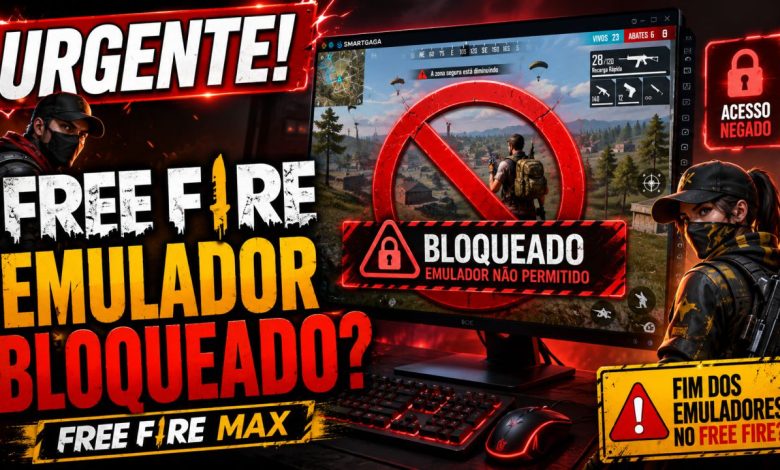
URGENT: Garena May Have Blocked Emulators in Free Fire and Free Fire MAX

Garena Free Fire remains one of the most popular mobile games worldwide, bringing together a massive community of players on both mobile devices and PC emulators. As a leading name in the battle royale genre, any instability in the game quickly impacts thousands of users.
On Tuesday, following a mini codepath update identified as version 1.123.12, numerous players began reporting an unusual issue: Free Fire would close on its own just a few seconds after being opened on emulators.
So far, there has been no official statement from Garena confirming whether this issue is a temporary bug from the update, a compatibility glitch with emulators, or an intentional change in the game’s functionality. Therefore, it’s still too early to confirm a permanent block.
Understanding the Issue
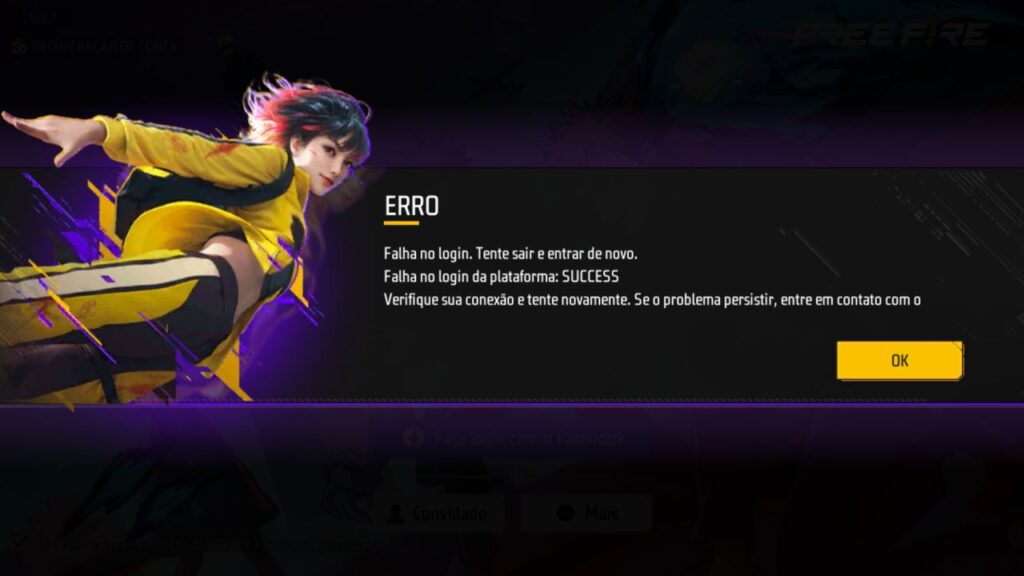
According to player reports, the game launches normally, allows account login, and loads the initial screen. However, after about 10 to 15 seconds, the app simply shuts down without displaying any error message or in-game warning.
The issue seems to primarily affect users playing Free Fire via emulators on PCs. In some cases, the game closes immediately after logging in; in others, it loads for a few seconds before shutting down on its own.
The Free Fire Journal team conducted tests on three different emulators and was able to replicate the issue in both the standard Free Fire and Free Fire MAX. This suggests the glitch might be related to the recent game update or a new incompatibility with emulated environments.
Bug or Emulator Block?
At the moment, there are two main possibilities: the first is that this is merely a compatibility bug caused by the mini update. The second is that Garena has implemented an internal change that directly impacted the game’s functionality on emulators.
Despite suspicions raised by the community, it’s still not possible to confirm that the company has initiated a block on emulators. Without an official statement, the most appropriate approach is to treat this as an ongoing instability under investigation.
What Can Players Do Now?
While there’s no definitive solution yet, players can try some basic troubleshooting steps, such as restarting the emulator, clearing the game’s cache, updating the emulator, checking for new Free Fire updates, or reinstalling the app.
However, if the issue is indeed tied to the game’s internal update, it’s likely that only a new fix released by Garena will fully resolve the situation.
Free Fire Journal Continues to Monitor
The Free Fire Journal will keep tracking the situation and updating this article if Garena releases an official statement or if a new fix is made available to players.
If you’re also facing this issue on an emulator, stay tuned for our upcoming updates to find out if the glitch will be fixed or if new information is released.